
August 19, 2026
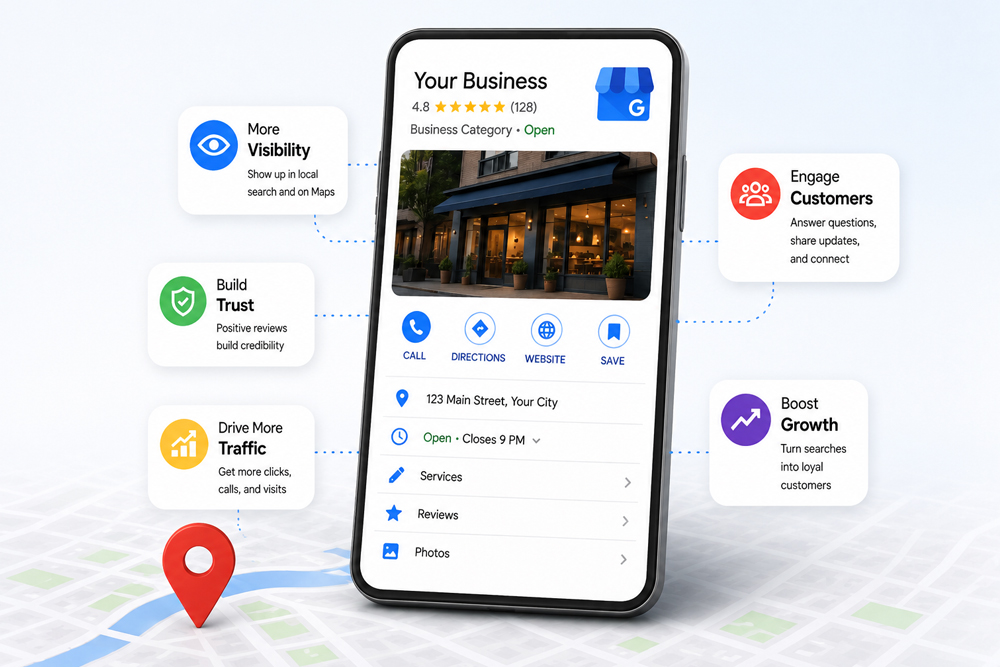
Ask most small business owners about their Google Business Profile and you will hear some version of the same thing: they set it up...


Visual content has become a vital asset in the digital marketing world. Whether it’s for social media, email marketing, websites, or advertising campaigns, engaging visuals are critical for grabbing attention and driving conversions. But historically, creating high-quality visuals required professional design skills, expensive software, and significant time investment. With the rise of artificial intelligence (AI), this is no longer the case. AI-powered tools are transforming the way businesses approach design, enabling even beginners to produce polished, creative, and brand-aligned content faster than ever.
AI in visual content creation comes with several powerful benefits that are reshaping the digital marketing landscape. These tools harness machine learning and intelligent automation to reduce the manual workload typically associated with design tasks.
A wide range of AI-powered tools are currently dominating the visual design space, each offering features that simplify and supercharge the content creation process.
Understanding how AI tools stack up against traditional methods highlights just how far visual content creation has evolved.
| Feature | Traditional Design Workflow | AI-Based Workflow |
| Time Required | Hours to days | Minutes |
| Cost | High (external designer fees) | Lower (subscription-based SaaS tools) |
| Skill Level Required | Advanced (Photoshop, Illustrator) | Beginner-friendly |
| Creative Control | Full manual control | Assisted suggestions |
| Scalability | Limited | High (batch generation possible) |
| Branding Consistency | Manual application | Automated brand kits |
| Output Quality | Dependent on designer’s expertise | Consistently high with modern AI models |
AI tools boast a wide range of built-in attributes designed to enhance and streamline the design process. These characteristics not only make them powerful but also highly practical for marketers, content creators, and business owners.
AI has the flexibility to serve a wide range of design scenarios, from one-off social posts to complex campaign visuals.
If you’re looking to adopt AI tools in your creative workflow, comparing features side-by-side can help you choose the right one.
| Tool Name | Key Feature | Ideal For | Pricing Model |
| Canva AI | Templates, AI copy & Magic Design | Social media, marketing, email | Freemium |
| Adobe Firefly | Generative image & text effects | Professional creative work | Creative Cloud subscription |
| DALL·E 3 | Text-to-image conversion | Concept art, branded visuals | API & ChatGPT integrations |
| Runway ML | Video editing automation | Short-form video & visual effects | Freemium + Paid tiers |
| Visme | Presentations & reports | Corporate visuals, infographics | Tiered subscription |
| Lumen5 | Blog-to-video automation | Marketing & social media video | Subscription-based |
One of the most significant impacts of AI in design is the democratisation of creativity. Small businesses, startups, and solo entrepreneurs can now create agency-level visuals without needing design training or high budgets. These tools empower users to independently manage their brand’s visual presence with a level of polish that was previously out of reach.
For example, instead of outsourcing an entire marketing campaign’s visual needs, a team can now use Canva AI or Adobe Firefly to create, tweak, and deploy graphics within hours. The barrier to entry is significantly reduced, and the opportunity for creative exploration is significantly increased.
The technology has matured. Modern AI tools are built with large datasets, refined training, and user feedback loops that ensure better results every time. Whether you’re looking to scale a content strategy, automate repetitive tasks, or empower your team to do more in less time, the return on investment from these tools is both practical and strategic.
The growing integration of AI with major marketing platforms—like Meta’s Creative Suite, Google Ads tools, or HubSpot—further reinforces that visual content creation powered by AI is not just a trend but a long-term evolution in how brands communicate visually.
If you’re ready to harness the power of AI-driven content creation and want to build a cohesive, impactful visual presence across all digital channels, Generate Your Audience is your go-to partner. We combine industry insights with cutting-edge automation to deliver results that don’t just look good but convert.
Our tailored approach means you get content aligned to your brand voice and strategy, without the delay and expense typically associated with high-end design services. Whether you’re launching a campaign, refining your brand identity, or simply looking to improve visual engagement—Generate Your Audience helps you get there faster, smarter, and more effectively. Let your brand stand out in a sea of sameness.
1. Can AI tools replace human designers?
AI tools enhance and accelerate design work, but they are best used in conjunction with human creativity. While they can produce great results, complex or emotionally driven designs still benefit from human insight.
2. Are AI design tools suitable for beginners?
Yes. Most AI-powered platforms offer intuitive interfaces and template libraries, making them ideal for users without any previous design experience.
3. Do AI tools support brand consistency?
Many AI tools allow users to upload brand kits that include logos, colours, and fonts. The AI then applies these settings across all generated visuals to maintain brand consistency.
4. Can AI help with video content too?
Absolutely. Tools like Runway ML and Lumen5 are designed specifically to assist with video editing, creation, and automation using AI.
5. Are the visuals created by AI tools copyright safe?
Most reputable tools ensure that generated content is royalty-free and available for commercial use. Always review the specific usage rights of each platform.
6. How do I choose the right AI tool for my needs?
Assess your content needs (e.g., static images, infographics, video), desired output quality, integration options, and ease of use. Refer to comparison tables like the ones above to make an informed decision.
Ask most small business owners about their Google Business Profile and you will hear some version of the same thing: they set it up...
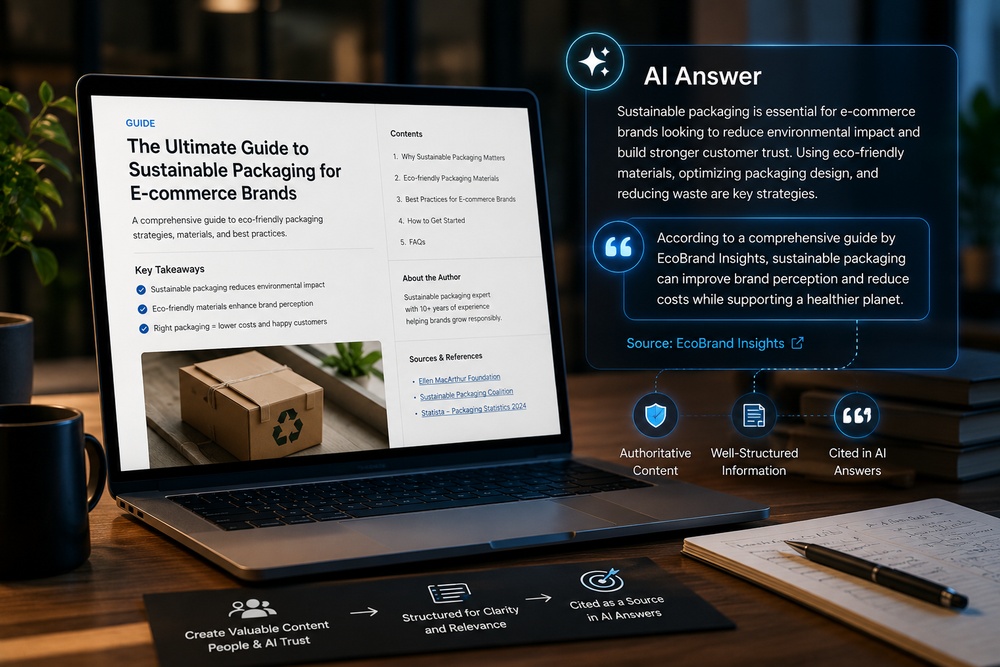
A new acronym has entered the marketing vocabulary, and unlike most, it points to a genuine shift rather than a rebrand of something old....

Search has changed shape faster in the past two years than in the previous ten. Ask Google a question today and the first thing...